
Trevor Nace takes iOS 27's Liquid Glass into "ultra dark" mode
His iPhone makeover combines black wallpaper, darker icons and accessibility settings, rather than relying on a single switch.
 Trevor Nace
Story of
Trevor Nace
Story of Why this story? The video opened at a pace of 51,129 views a day, 13 times a normal first day on this channel (3,866).
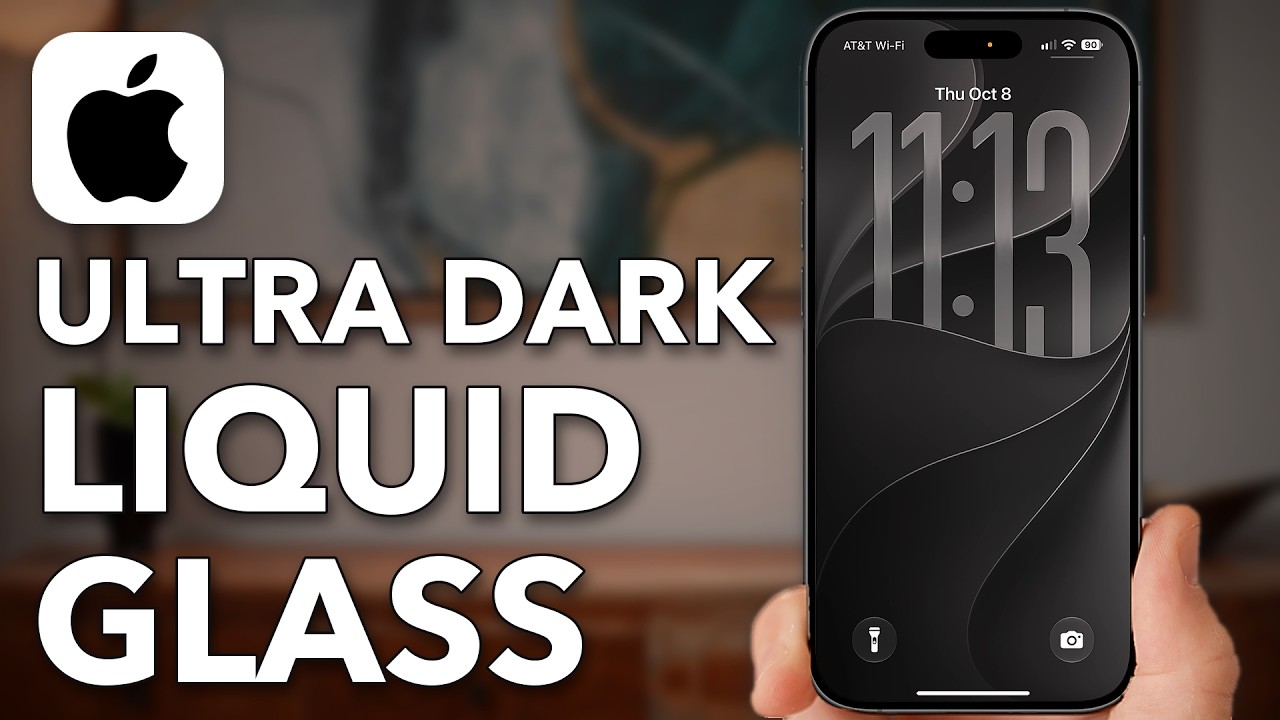 iOS 27 - Enable ULTRA DARK Liquid Glass on iPhone
Things we can learn from the video
Press to jump
- 0:19Create a Liquid Glass lock screen wallpaper, choose black and pair it with the home screen.
- 1:34Set app icons to Dark, enlarge them and use the sun control to darken the wallpaper.
- 2:22Activate Dark mode in Appearance settings.
- 2:54Move the Liquid Glass slider fully right for the darker, more opaque look promised by the title.
- 3:12Enable Show Borders, Bold Text, Increase Contrast and Reduce Transparency in accessibility settings.
Is switching on Dark mode enough? Not for the look Trevor Nace builds in his latest iPhone tutorial. He goes from the lock screen to the App Store, dialing down color and transparency along the way.
"iOS 27 - Enable ULTRA DARK Liquid Glass on iPhone" drew about 42,000 views in its first 16 hours, already far beyond a typical full-day opening for his regular videos. Among his practical fixes for missing Mail apps and cameras that won't scan QR codes, this one is about changing how the whole phone looks.
Nace starts with a Liquid Glass lock screen wallpaper, selects black and pairs it with the home screen. Then he switches the app icons to Dark, enlarges them and uses the sun control to darken the wallpaper further.
The key adjustment comes just before the three-minute mark. Inside Appearance settings, he moves the Liquid Glass slider all the way to the right, making the interface darker and more opaque. The "ultra dark" result is less about preserving the glass effect than turning it down.
His final pass is about readability: Show Borders, Bold Text, Increase Contrast and Reduce Transparency. That gives the tutorial a practical purpose beyond matching black icons to black wallpaper.
In the comments, viewers are extending the makeover. One suggests using a grayscale color filter to mute the remaining colors; another asks how to make home-screen widgets dark too.
Published on Trari
Where next?


What viewers say
How do I get the widgets on my home page to also be dark?
@P_JasonSee it on YouTubeI think a good addition to this is to go to Settings>Accessibility>Display & Text Size>Color Filters. Turn this on and select “Grayscale”, go to the botttom of the screen and move the slider until the colors as almost completely (but not all the way) muted. It looks very good for the effect you want.
@alyoshakaramazov8469See it on YouTubeTrevor, can you make a tutorial on how to make Apple Maps talk just like Google Maps if that’s possible?!
Edit: Never mind he has a video about it… Silly me 😢@Digitaldroid4681See it on YouTube
1 more comment
Thanks mate and that customising made my iPhone ultra dark 👍🏻🙏🏻
@modoz86See it on YouTube
Public comments from the video's page on YouTube
 Is this your channel?For the channel's owners and team: a ready picture, text and badge for your audience
Share the story with your audience. Everything is ready:
For an Instagram story or a WhatsApp status
For a community post or your channel's description
For your website

You may use the picture, the badge, and link it to this story.
- Channel
- Trevor Nace
- Subscribers
- 1,520,000 ▲ 10,000 this week
- Channel views, last 7 days
- 3,787,191
- Channel views, pace per day
- 82,848 (on a normal day: 665,963)
- Video published
- October 15, 2026
- Video views so far
- 41,681 (less than a day online)
- Video views, pace per day
- 51,129
The numbers
The dark-mode tutorial has already drawn far more views than Nace's usual first-day release, with several hours still to go.

💡 Test your knowledge
Which iOS version introduced the App Library?
Apple introduced the App Library with iOS 14 in 2020 to automatically organize apps into categories.